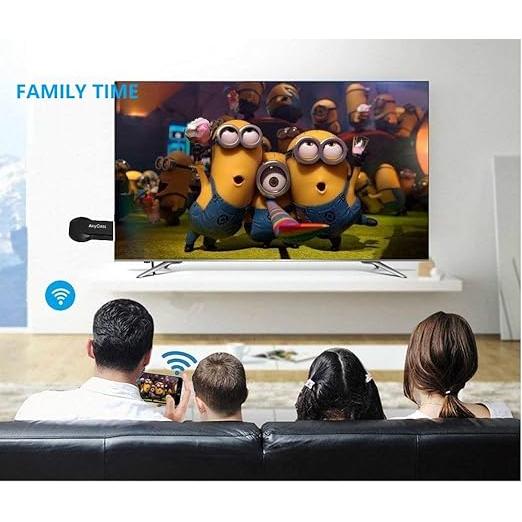
HDMI Wireless Display Adapter for Phone and TV Casting
Mirror phones, tablets, and laptops wirelessly to any hdtv in seconds
✓ Instant plug-and-play setup
✓ Universal device compatibility
✓ Full screen mirroring
Mirror your phone, tablet, or laptop screen to your HDTV in seconds with this HDMI wireless display adapter, ideal for streaming videos, apps, and presentations on a bigger screen.
- Easy setup: Simply plug into your TV’s HDMI port, connect the USB power, and select the HDMI input to start mirroring.
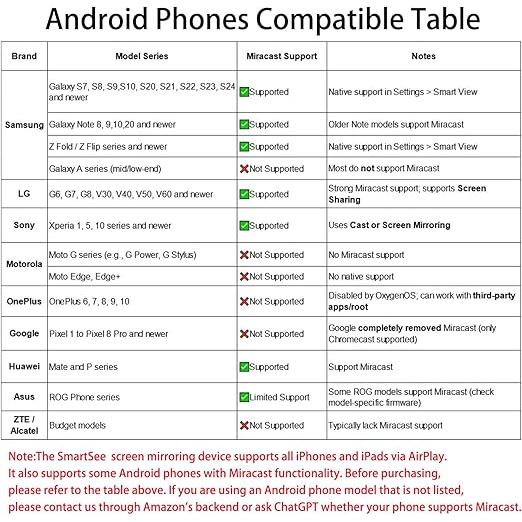
- Wide compatibility: Supports iOS 9.0+, Android 4.4+, and MacBook devices using AirPlay, Miracast, or DLNA.
- Screen mirroring: Cast your entire screen to enjoy photos, apps, and web browsing on your TV.
- App-assisted connection: Use the EZMira app to help locate and connect via Miracast on supported Android devices.
Perfect for home entertainment, sharing content with family, or displaying work and study materials on a larger HDTV screen.
-
Secure Checkout
Safe and easy payments every time
-
Fast Shipping
Get your order delivered quickly
-
Customer Support
Friendly help whenever you need it
-
Easy Returns
Shop with confidence, hassle-free
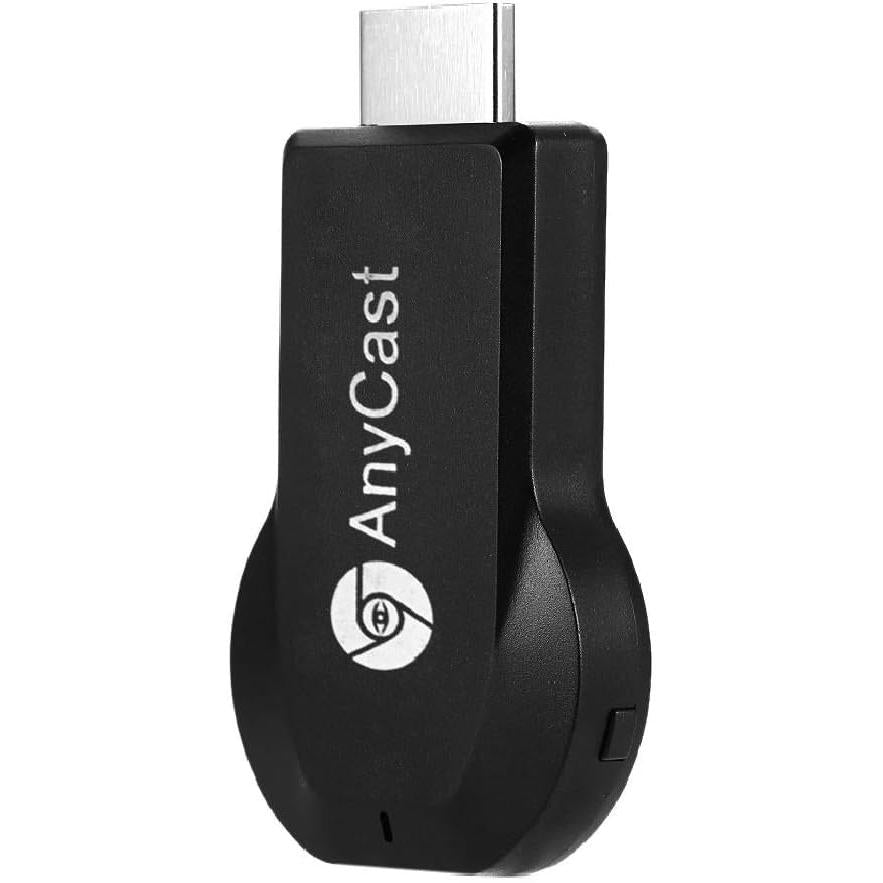
Simple plug-and-play setup in seconds
-
Quick plug-and-play
Supports iOS 9.0+, Android 4.4+, Mac.
Quick plug-and-play
Plug into HDMI and USB power.
-
Quick plug-and-play
Supports iOS 9.0+, Android 4.4+, Mac.
Wide compatibility
Supports iOS 9.0+, Android 4.4+, Mac.
-
Full screen mirroring
App-assisted Miracast setup for Android.
Full screen mirroring
Cast photos, apps, and web browsing.
-
Full screen mirroring
App-assisted Miracast setup for Android.
EZMira app support
App-assisted Miracast setup for Android.